
Back to the list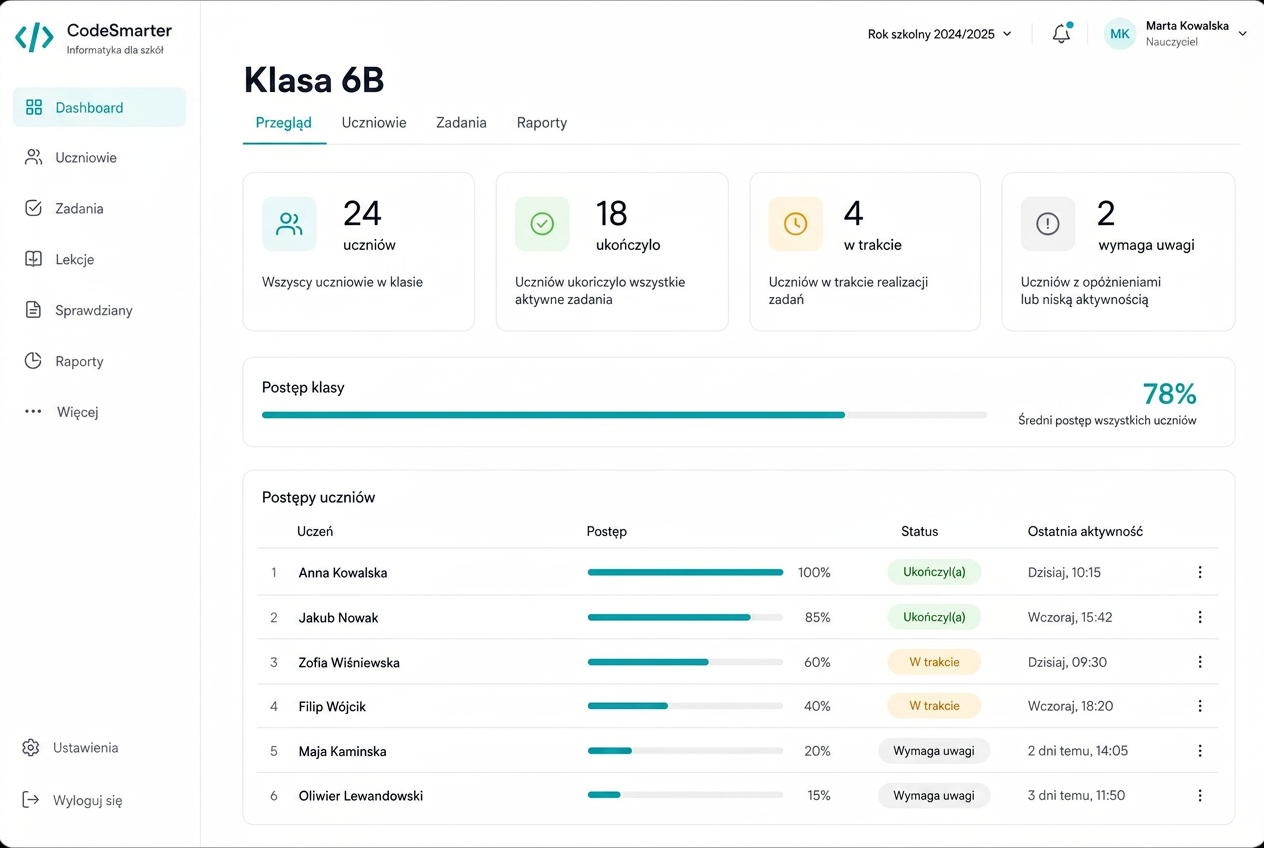
For Head teacher and school administrator
A whole-school rollout for grades 4–8
Launching the platform for several hundred students: accounts, classes, licences and course access.
The situation
- several hundred student accounts to create
- several computer science teachers working across different classes
- a need to control who can see which data
How it works
01
School structure
The administrator creates classes, adds teachers and imports students instead of creating each account by hand.
02
Licences and access
The school sees how many seats are assigned and how many remain available, and assigns course access in bulk.
03
Scope of permissions
A teacher sees their classes, an administrator their school, a student only their own learning.
The outcome
- a start without weeks of administrative work
- a clear view of licence usage
- permissions that follow role and scope